
TROUBLESHOOTING
FPV Camera Troubleshooting: No Image, Lines, Noise or Overheating
When an analog FPV camera has no picture or the image suddenly changes, the cause may be power, a connection, video format or another part of the video chain. Start with simple, safe checks before concluding the camera itself has failed.
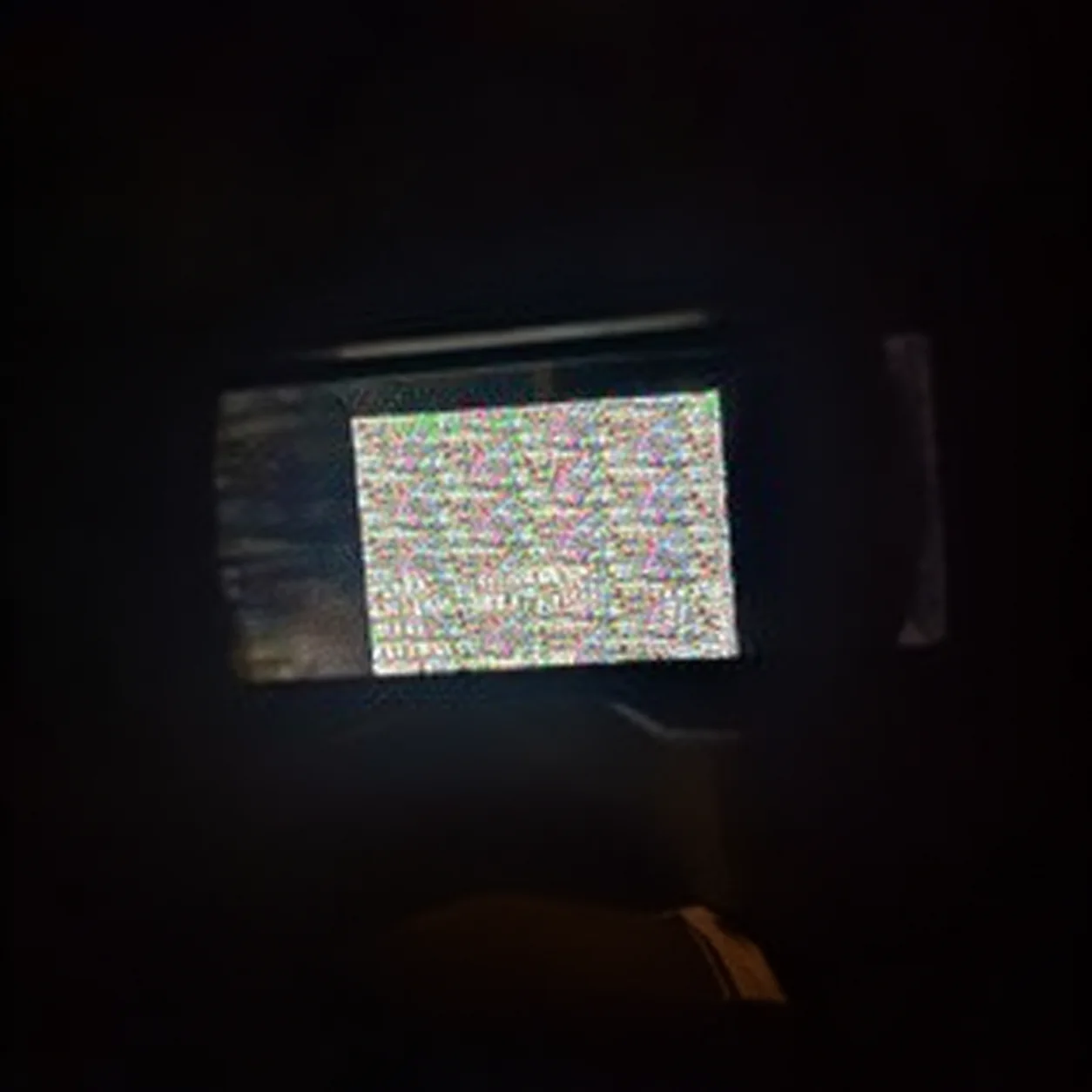
Where should you start when an FPV camera has no image?
Separate a camera failure from a problem with power, video transmitter, receiver, display or connection. A black screen can arise elsewhere in the analog video chain, so check the full path before blaming the camera. [1] Confirm the whole setup is on in its usual configuration and the display is on the expected receiver/input. Inspect wiring only after the system is powered off.
Details are listed in this order: Possible causes / Safe first check.
- Completely black screen: No power, an open/incorrect connection, wrong video input, failure elsewhere / Check the documented wiring and device indicators; inspect connectors with power off
- Stable but distorted picture: Video-format mismatch, video contact, display/DVR setting / Check that each device supports the same PAL or NTSC format
- Noise, ripples or brief dropouts: Poor contact, interference or power instability elsewhere in the system / Record when it happens; inspect visible cables and connectors with power off
- Geometric wobble during movement: Mount vibration, moving parts or camera setup / Compare a stationary image with one during motion to distinguish “jello” from electrical noise
Why are there lines across FPV video?
Lines do not point to one specific failure. They can be related to connections, power or interference in the video system. These are possible causes, not a diagnosis from the image alone. [1] If available, compare with another receiver or display using its normal connection; stable lines on more than one display still do not prove the camera is at fault.
Inspect wires and connectors with the equipment powered off. Do not short contacts or move wires while powered. If an artifact changes when a cable is touched, inspect that connection and the video chain rather than assuming the camera is defective.
What causes ripples or noise in the image?
Fine flicker or wavy noise can come from interference, an unstable connection, system wiring or strong radio interference. First note whether it is constant, appears only under load, or changes with the channel or location.
- Record when the symptom began and what changed in the build.
- With the system off, inspect visible cables, connectors and pinch points.
- Compare with a known-working display/receiver only using normal connections.
- Do not open the camera or touch a circuit board while powered.
Can PAL/NTSC cause an incorrect picture?
Yes. A format mismatch can prevent an analog signal from displaying or recording correctly. Check the camera menu and the documentation for the receiver, goggles/display and DVR; use a mode supported across the whole system. See our guide to PAL/NTSC compatibility.
For example, Caddx lists switchable PAL/NTSC on the Ratel Pro. That applies to that model, not every FPV camera. Caddx Ratel Pro specifications.
How can you check camera power safely?
There is no universal voltage for every camera. Compare the source only with the allowable range documented for the exact model and build. Do not connect a battery “to try it,” raise voltage to diagnose a fault, or guess a pinout.
If the marking or documentation is unclear, stop electrical troubleshooting. Ask a qualified technician and provide the exact model, wiring diagram, symptom, when it started and checks already made.
Why is an FPV camera overheating?
Heat depends on the device and operating conditions, but rapid, severe heating, an unusual smell, discolouration or instability is a reason to switch off immediately. Do not touch exposed electronics or restart until power and installation have been checked.
Compare the supply only with the camera and component documentation. Do not assume a camera accepts battery voltage directly. If the problem began after installation, do not power it again just to reproduce the symptom.
How is “jello” different from electrical interference?
“Jello” describes visible wavy geometric distortion, often noticeable during vibration or movement. Electrical interference more often looks like lines, ripples or loss of sync. These describe symptoms, not a definitive diagnosis.
Compare a stationary and moving image in the same mode. If distortion appears only with vibration, inspect the mount with power off and follow the frame/camera maker’s instructions.
When should you stop troubleshooting?
Stop if there is severe heat, smoke, smell, visible damage, unknown wiring or a symptom that remains after safe inspection. Do not disassemble the camera or experiment with polarity or voltage. Have a qualified person diagnose it.
For camera selection, use our FPV camera selection guide; for format issues, see PAL/NTSC compatibility. Model specifications are on the PRBZ and Caddx Ratel Pro pages.
Sources and notes
External sources support the technical explanations; check FPV Vision product specifications on the relevant model page.
Need help? Contact FPV Vision. All materials.